CSS Selectors 101: Targeting Elements with Precision
The Bridge Between Content and Style: Mastering the Art of Targeting Elements
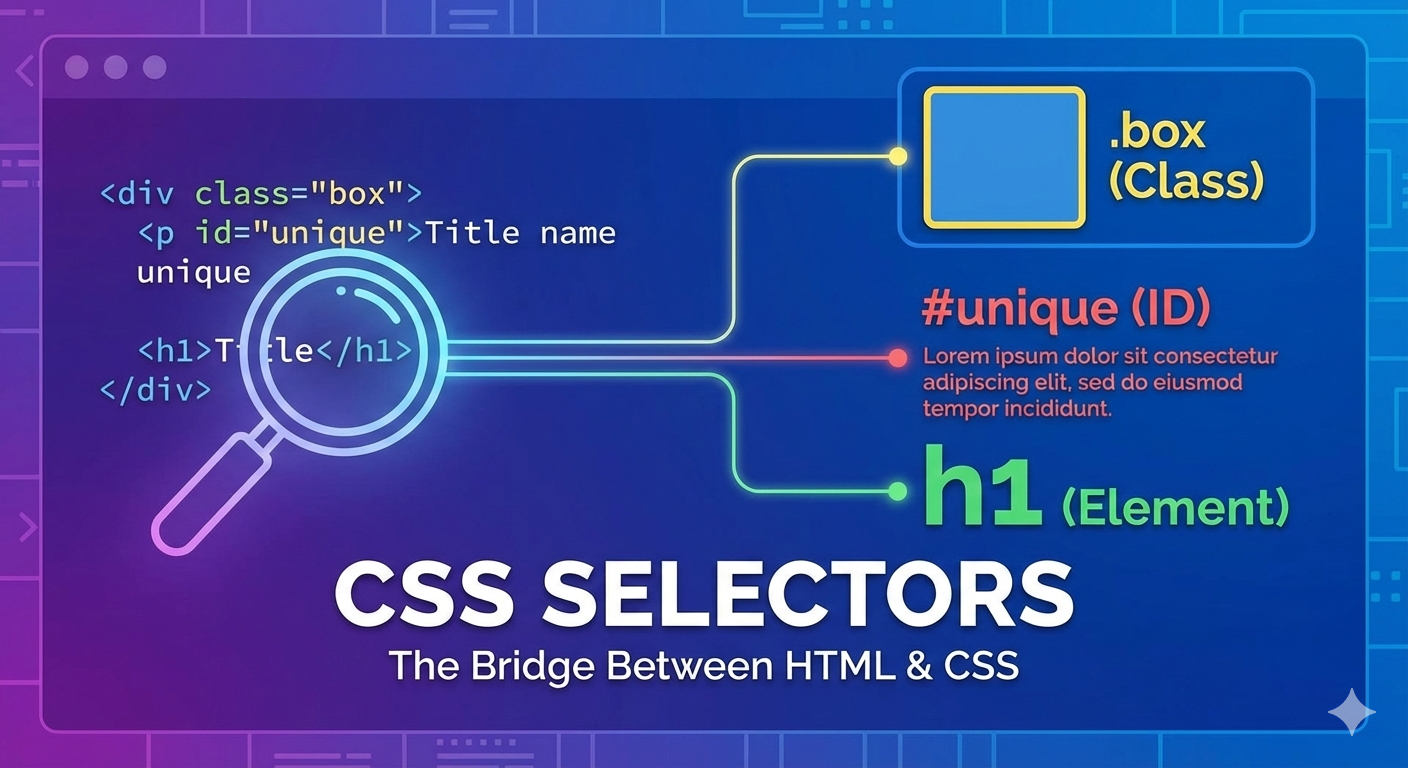
When you write CSS, the curious question is How does CSS know which HTML element to style ? The answer is CSS Selectors. Selectors are the bridge between HTML and CSS. Without Selectors, CSS is trash.
Why CSS Selectors are needed
CSS Selectors are needed because it tells the browser apply these styles to THIS element. CSS sometimes you style all elements , sometimes in a group or sometimes only a specific element, Do perform this CSS Selectors gives CSS that power. CSS Selectors are used to target the exact element or group of element for style.
Element Selector
The element selector is a Selector which targets HTML tags directly. Element Selector are used to style every element uniform or same type. For example :
p {
    color : "chocolate";
}
This means that all <p> tags becomes chocolate color text. No class or id needed here. Element selector used to style every element of the same type.
Class selector
The Class Selector targets elements with a specific class. Class Selectors use a dot (.). To select all kinds of elements with a specific class, write a period (.) character, followed by the class attribute value. For example :
.box {
    border: 1px solid yellow ;
}
Any element with class=box get styled with border yellow. This class is important because its reusable , mostly used by designers and its flexible. We can say multiple people but same role.
ID selector
The ID selector targets one unique element. The CSS ID selector matches an element based on the value of the element’s id attribute. In order for the element to be selected, it’s id attribute must match exactly the value given in the selector. The ID selectors use a hash ( # ). For example :
#navbar{
    background-color:gray;
}
This means the element with id=navbar is styled with background-color gray. We can say here very specific and only one person.
Group selectors
Group Selectors let’s you apply the same style to multiple selectors. Group Selectors are written by comma (,). This reduces the code and extra effort to declare common styles for each element. To group selectors, each selector is separated by a space. For example :
h1, h2, p {
    font-family: Poppins ;
}
This means that h1, h2 and p tags all get the same font all over the web page. This leads to write clean CSS and avoid repetition.
Descendant selectors
Descendant Selectors target elements inside other elements. It works somewhat like nested if the tag is inside an element tag content then only it will be selected. Lets understand this by an example :
div p {
    color :red;
}
This means that <p> is inside the <div> tag that becomes red but remember div and all other paragraphs will be unaffected.
Basic selector priority (very high level)
Basic selector priority are sometimes multiple selectors target the same element. So CSS follows a priority rules that : ID —> Class —> Element . Id has the highest priority and element having least priority. Let’s understand by and example :
p {
  color: blue;
}

.text {
  color: green;
}

#main {
  color: red;
}
Here , the final color will be red . Because Id has the highest priority. One thing to remember that more specific selector wins.
📌 Wrapping Up
Thanks for reading till the end 🙌
I hope this article helped you understand the topic in a simple, practical, and beginner-friendly way.
My goal is to break down complex tech concepts into clear, real-world explanations, especially for learners who are just starting out or feeling overwhelmed.
If you found this useful, feel free to bookmark, share, or leave a comment — it really helps and keeps me motivated to write more.
You can connect with me here:
💼 LinkedIn
Let’s learn together and grow step by step 🚀


