What is DNS ?
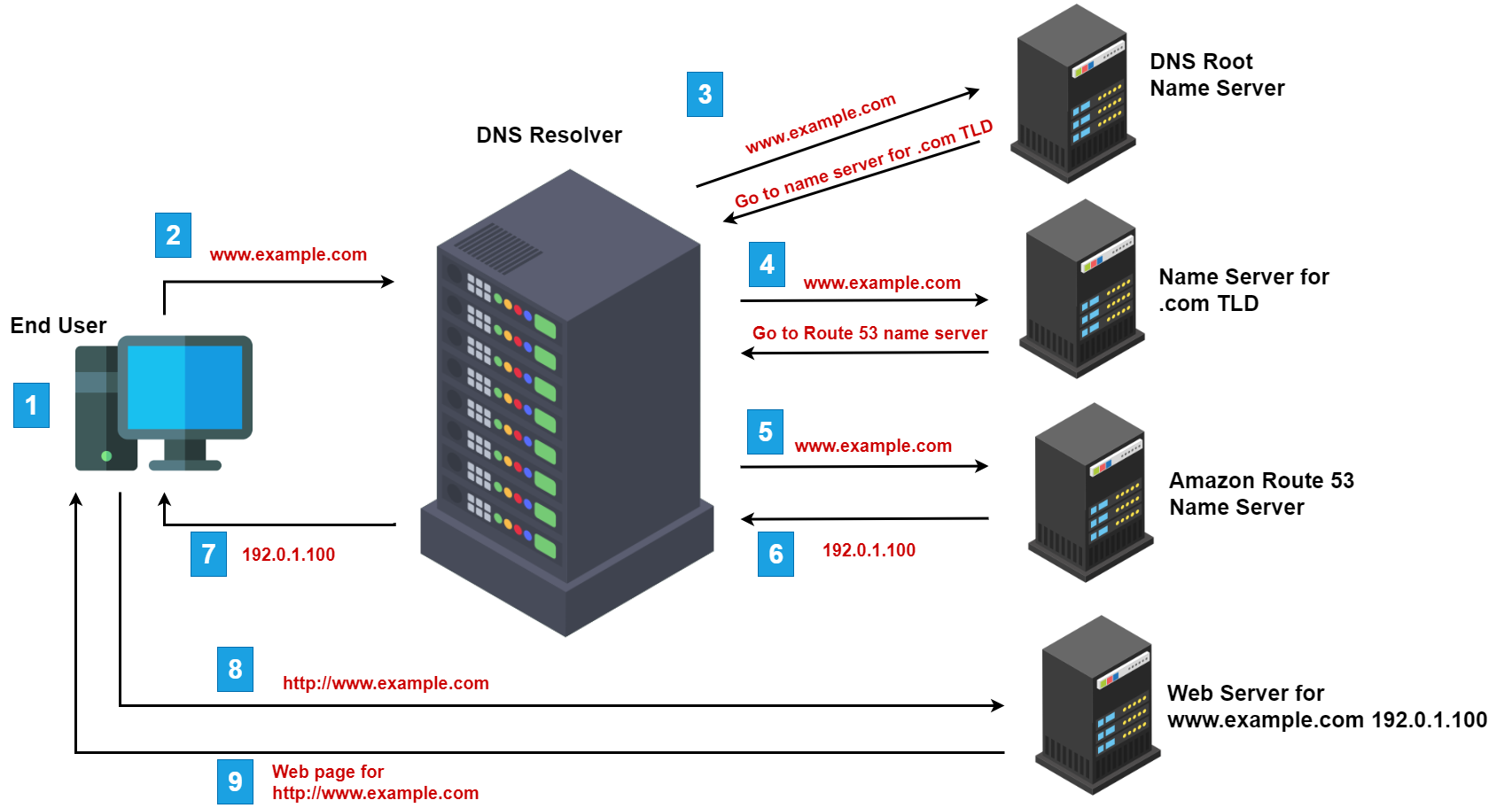
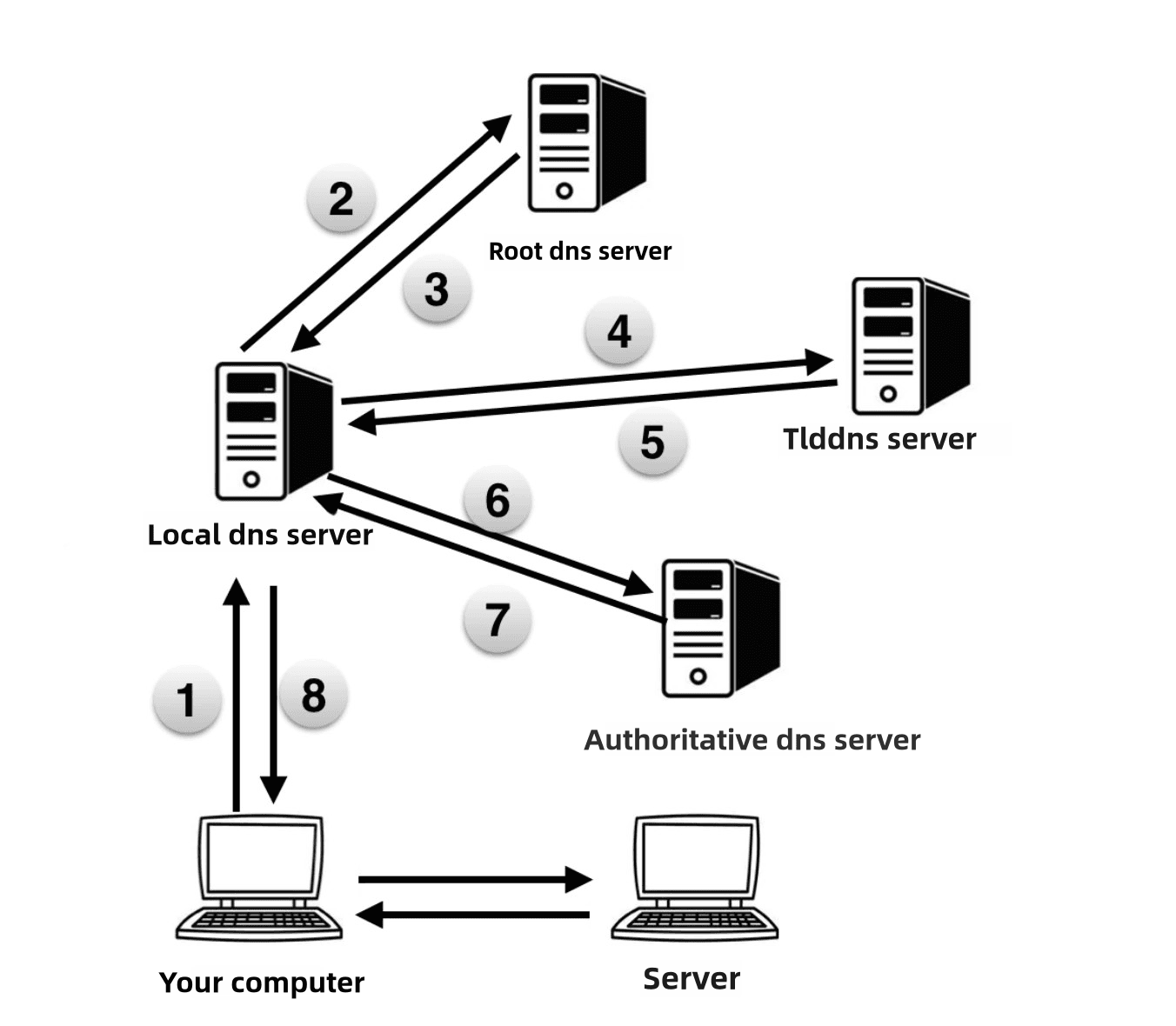
DNS or Domain Name System is like a phonebook or in easy we can say phone contact list of the internet. We Humans understand like google.com or irctc.co.in but computers understand IP address like 167.192.1.1 . So to fix this problems DNS is the resolver or mediator between humans and computers. DNS converts website names into IP addresses so computer can find each other on internet.
For example, You save for “Hitesh” (your friend) in your phone but phone internally stores a number and whenever you dial “Hitesh”, your phone connects to the number. Same way you type irctc.co.in and DNS finds its IP addresses and connects the Browser to the server.
Why DNS records are needed ?
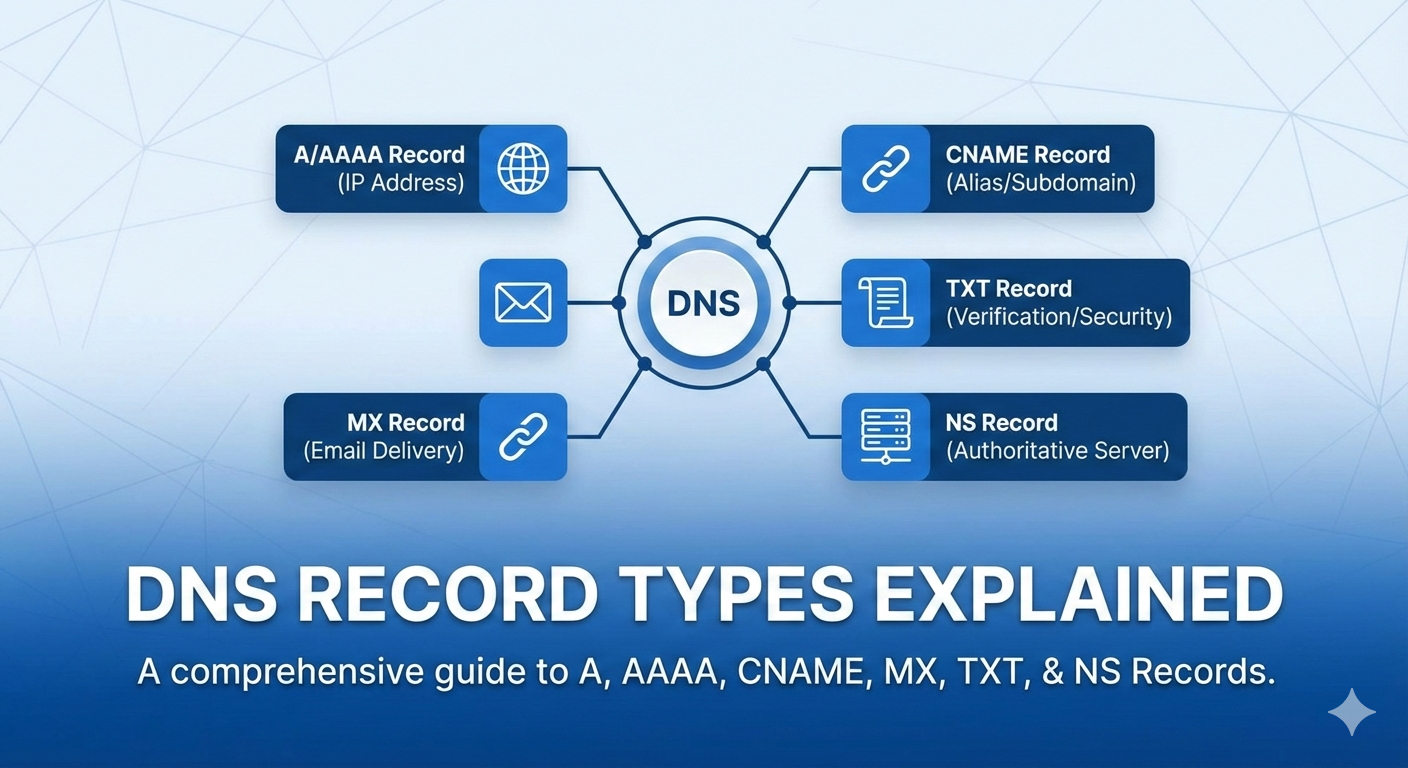
DNS records are like instructions stored in DNS. DNS tells that which server runs the website, where emails should go , Which service is responsible for the domain, DNS record help to provide extra security and verification information and many more.
If DNS records won’t exists then first Domain is useless, Emails won’t work , Websites won’t open and etc. Every Domain is equal to multiple DNS records working together.
What an NS Record is (who is responsible for a domain) :
NS Record is equal to Name Server. NS records tells which DNS server is in charge of a domain. NS record are the DNS authority, It decides where all other DNS records live. Let’s understand by an example, you are going to meet your friends in the society and you ask at society main gate security asking “where is flat 302 is” and security telling you that “for flat 302, talk to this building office”. Likewise for an domain NS record say “Go ask Cloudflare/GoDaddy DNS about this domain”.
What an A Record is ?
A Record connects a domain name to an IPv4 address. Simple, devrahulll.in A record will connects to 103.21.58.44 . For example, Shop name is “Chai Sutta Bar” and it’s exact address is : Shop No. 002, Ground Floor, Greater Noida. A record works with IPv4 address and A records are basically used for websites. A Records are the most common DNS record.
What an AAAA Record is :
AAAA Record is same as A record but for IPv6. Since, Internet is growing fast like India’s population , IPv4 address are limited. So IPv6 gives huge address space. For example :
devrahulll.in --> 2401:db00:2100:3001::2
What a CNAME Record is :
CNAME stands for Canonical Name. This means that, this name is just an alias, real name is something else. for example —> www.devrahulll.com → devrahulll.com . Suppose that my name is Rahul Dev Pandit and people call me by my nickname Dev but in real both refer to same person. CNAME are the subdomains points to main domains , generally this are used by SaaS tools (like Netlify, Vercel).
What an MX Record is :
MX Record is known as Mail Exchange. MX records tell that ‘Where should emails for this domain be delivered?’ .For example, I am sending a letter to Rahul Dev, Jaipur, Rajasthan. Post office checks, Which post office handles this area. MX Records are the post office for emails. If MX records won’t exists Gmail/ Outlook is useless.
What a TXT Record is :
TXT Records store plain text information. TXT record are used for domain ownership verification, email security (like SPF) and connecting services like (GOOGLE, GITHUB) . For example Aadhar card used to verify identity in real life so like wise in internet TXT record are used to verify domain ownership. This are mostly done underhood.
How all DNS records work together for one website
Let’s understand step-by-step flow with an example , it will give more clarity:
NS Record :
Says that “Cloudflare DNS handles this domain”
A/AAAA Record :
Tells IP address of the website server.
CNAME :
provides the real domain
www.devrahulll.in → devrahulll.inMX Record :
Routes the emails to Gmails servers.
TXT Record :
Verifies domains and protect froms spam emails.
This is the flow of all records which leads together to make the website + email work smoothly.