Emmet for HTML : A Beginner's Guide to Writing Faster Markup Language
Mastering the HTML Shortcut Language: How Emmet Makes Development Fast and Efficient
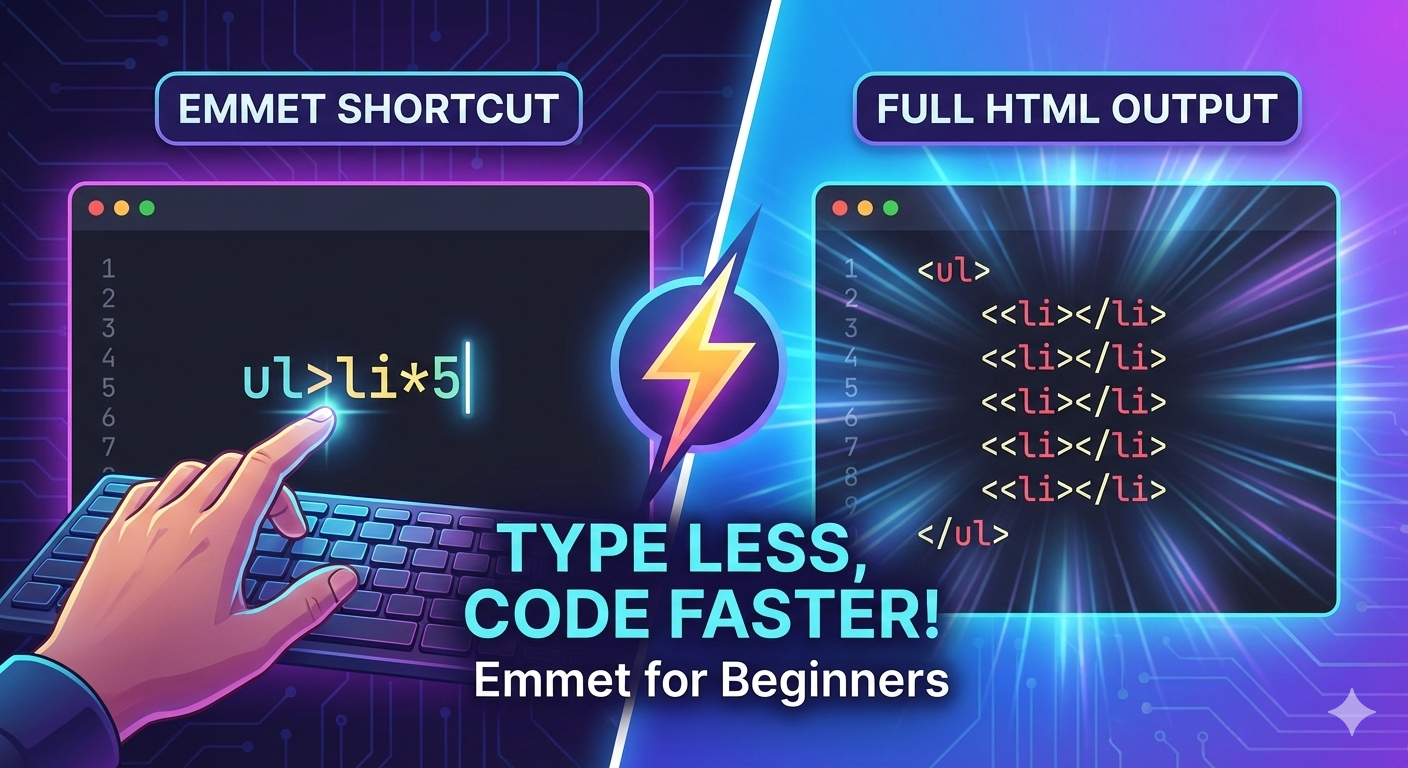
If you are new to HTML , one thing you will notice that writing HTML feels repetitive and feels slow.
What Emmet is ?
Emmet is a shortcut language for writing HTML faster. Emmet lets you write short expression that expand into full HTML code. Emmet helps you type less and get more code. For example saying “OTP” instead of “One Time Password”.
Emmet helps to save time, type less and makes our productivity Fast and efficient
Why Emmet is useful for HTML beginners
Emmet is useful for HTML beginners because Emmet lets you focus on structure not on typing similar thing multiple times. You will learn HTML patterns , It’s help you avoid silly typing mistakes and eventually it will help you to build confidence quickly. Emmet is best for beginners.
Emmet does not replace HTML rather it helps you write HTML faster. Here, HTML knowledge still matters the most.
How Emmet works inside code editors
Emmet works inside code editors, not in the browser. Most popular code editors support Emmet, for eg : VS code (my choice), Sublime Text, Atom, etc.
How Emmet works inside code editors by just type an abbreviation and you press Tab or Enter , automatically your code editors will expands it into HTML.
Let’s understand by an example :
// you type --> nav>ul>li

// emmet write this into HTML
<nav>
    <ul>
        <li></li>
    </ul>
</nav>
Basic Emmet syntax and abbreviations
The simple rule of Emmet is very simple that, Whatever HTML you want to create, you describe it in short form. For example :
type div —> and press tab or enter —> <div> content </div> —> it convert into an element
type p —> and press tab or enter —> <p> paragraph </p> —> it convert into an element
type section —> and press tab or enter —> <section> CTA section </section> —> it convert into an element
Creating HTML elements using Emmet
Creating any HTML elements using Emmet a pretty simple task to do, by just typing its name and it will automatically create the elements. It’s like you don’t need long instruction. For example :
| EMMET | HTML OUTPUT |
| h1 | <h1> </h1> |
| p | <p> </p> |
| button | <button> </button> |
Adding classes, IDs and attributes
Adding classes using Emmet
Classes are added using a dot (.).
Emmet to type :
div.container
Output :
<div class="container"></div>
Adding IDs using Emmet
IDs are added using a hash (# ).
Emmet to type :
div#container
Output :
<div id="container"></div>
Adding Attributes Using Emmet
Attributes are added by going inside square brackets ( [] ) .
Emmet to type :
input[type=email]
Output :
<input type="email">
Creating nested elements
Creating nested Elements using Emmet is simple and easy by creating using a greater-than symbol ( > ). For example
Emmet to type :
div>h1+p
Output :
<div>
    <h1></h1>
    <p></p>
</div>
Repeating elements using multiplication
Creating Repeating elements are also almost same and this is one of the most loved Emmet features that used by all developers. To create a repeated elements use * to repeat elements. For example :
Emmet to type :
li*3
Output :
<li></li>
<li></li>
<li></li>
Generating full HTML boilerplate with Emmet
This is the most famous Emmet shortcut popularly used by each and every developers many times. I will guide you how to generate a full HTML boilerplate by simple exclamation mark (!) .
TYPE :
!
Press Tab or Enter
You Get :
<!DOCTYPE html>
<html lang="en">
<head>
  <meta charset="UTF-8">
  <title>hashnode blogs</title>
</head>
<body>

</body>
</html>
📌 Wrapping Up
Thanks for reading till the end 🙌
I hope this article helped you understand the topic in a simple, practical, and beginner-friendly way.
My goal is to break down complex tech concepts into clear, real-world explanations, especially for learners who are just starting out or feeling overwhelmed.
If you found this useful, feel free to bookmark, share, or leave a comment - it really helps and keeps me motivated to write more.
You can connect with me here:
Let’s learn together and grow step by step 🚀


