Understanding HTML Tags and Elements
he Skeleton of the Web: A newbie's Guide to Tags, Elements, and Structure
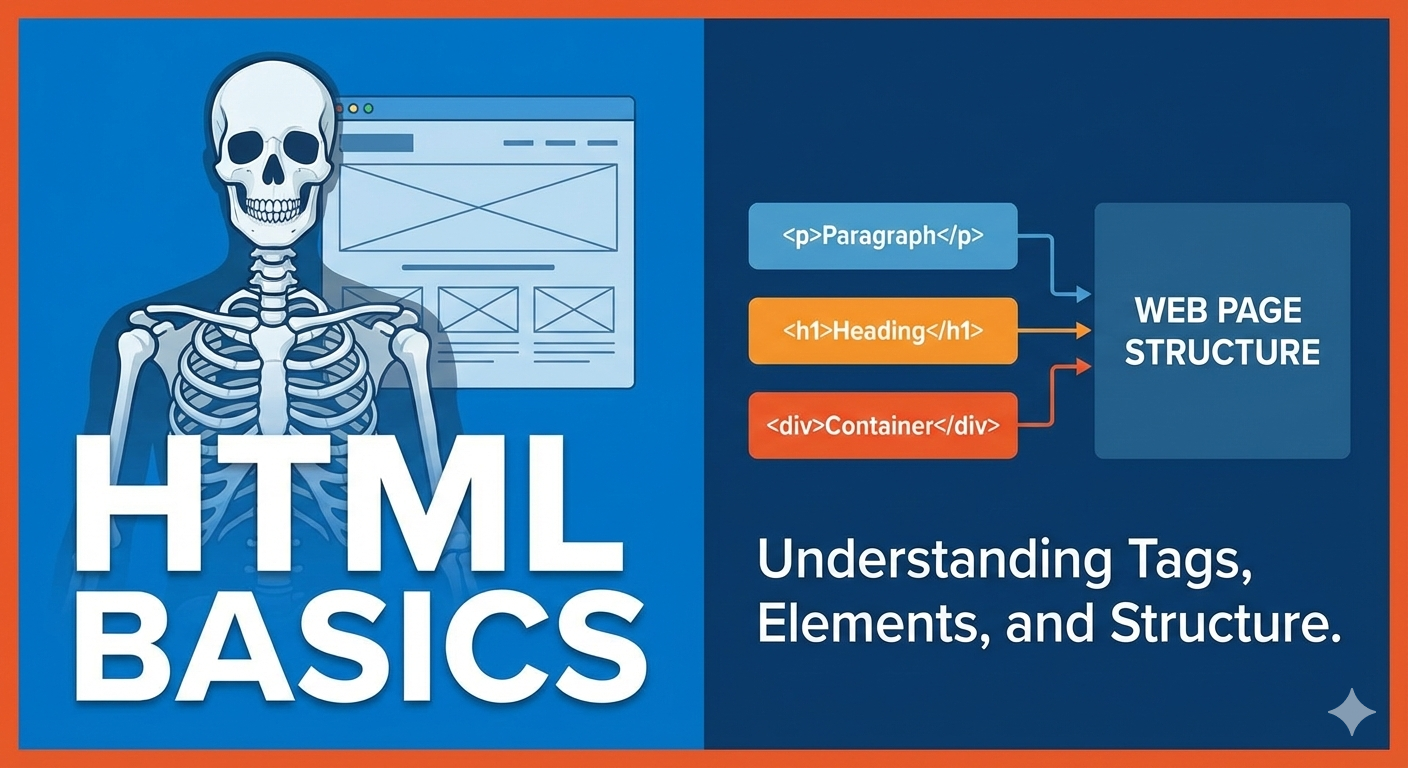
Any person who is willing to learn Web Development, before learning JavaScript or React, every developer starts with HTML. HTML is not programming - it’s structure. Let’s understand it slowly and clearly.
What is HTML and why we use it ?
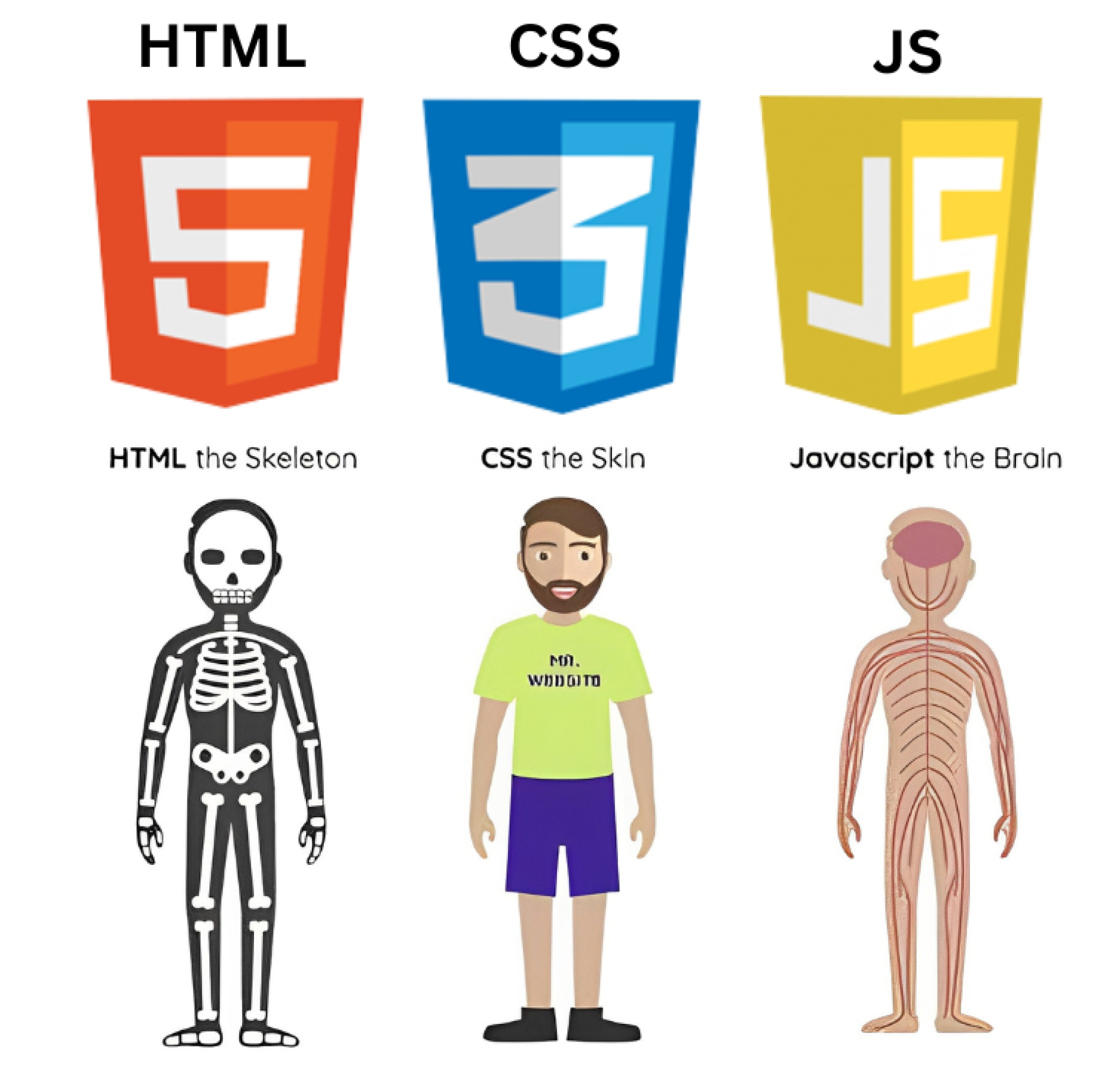
HTML stands HyperText Markup Language. HTML is used to create the structure of a webpage. HTML tells a browser what things exist on a webpage. Let’s think of a human body where Skeleton gives shape , HTML gives shapes to webpage. Muscle and skin make body look good same as in webpage css helps to look good. And Brain is handles all the logical things to make it work same as JavaScript gives logic to the website. Remember one thing without HTML, nothing appears on the page.
What an HTML tag ?
An HTML tag is a keyword written inside a < > brackets.HTML tags are the building blocks of a webpages, this tag are used to structure and format content. This tags helps the browser to render how to display text, images, links and other media properly. For example :
<p> HTML tags </p>  // this is a paragraph
<h1> Hello! from Dev </h1> // this is a heading
This tags tell the browser that this is a paragraph or this is a heading.
Opening tag, closing tag and content
Most HTML tags come in pairs. This means most of html tags have a opening tag like <p> and inside this they have content and at end they have a closing tag like </p>. One things to keep in mind that Content always lives between opening and closing tags.
<h1> Haan ji! Kya haal hai </h1>

<h1> --> This is a opening tag
</h2> --> This is a closing tag
Han ji...  --> This is a content.
What an HTML element means
The elements who is having an opening tag , a closing tag and content inside it is called as HTML element as a whole. Individually it is know as HTML tag ( as read above ☝️).
<p> <h1> </p> <div> This are html tags.
<p> This is a HTML element </p> This whole thing is one HTML element.
Remember, Tag = label and Element = complete item.
Self-closing (void) elements
Some HTML elements do not have content so, they don’t need a closing tag that element are called Self-closing elements. You may have questions why they don’t have a closing tag because there’s nothing to wrap inside , they don’t have content to wrap. For examples :
<br>
<img>
<input>
Block-level vs inline elements
Block-level elements
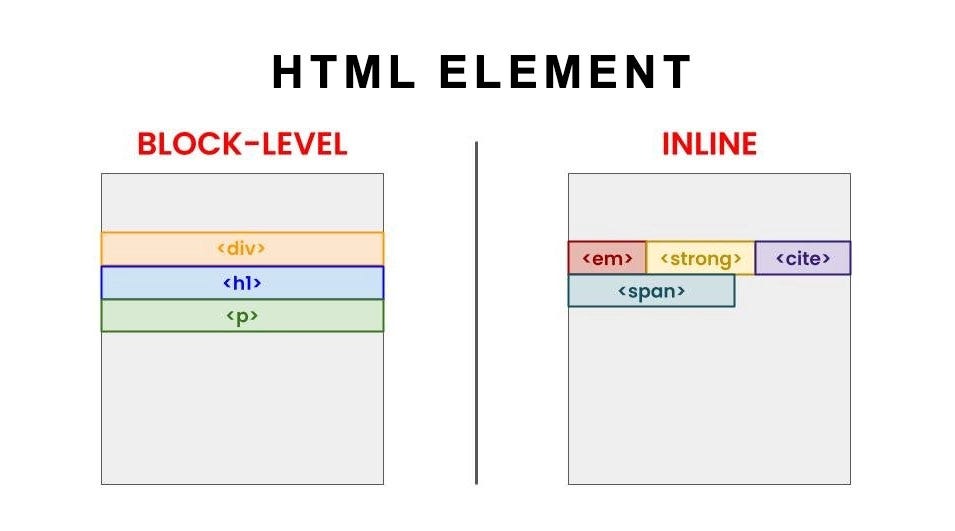
Block-level elements are those elements who starts with a new line and most important they took full width. For examples :
<h1> Haanji ! Aap kaise hai </h1>

<p> Para SF, Bhairav battalion </p>

<div> National Security Guard </div>
This all block-level elements which takes full width and starts with new line.
Inline-level elements
Inline-level elements are the elements which stay in the same line and takes only required space. For examples :
<span> Hello from Admiral Dinesh K. Tripathi </span>

<bold> 26th Chief of the Naval Staff </bold>
This are inline-level elements.
Commonly used HTML tags
Some of the most important tags you should know first are :
Heading Tag —>
<h1> Main title </h1><h2> Sub title here </h2>Paragraph Tag —>
<p> This is para </p>Container —>
<div> This is a box </div>Inline Text —>
<span> Small text </span>Line Break —>
<br>
Summary (Recap)
In this article, we learned the core basics of HTML, lets go through :
HTML is the skeleton of a webpage
Tags are labels that tells the browser what something is
Elements are tags + content together
some elements don’t need closing tags
Block level takes full width while inline level takes required width
📌 Wrapping Up
Thanks for reading till the end 🙌
I hope this article helped you understand the topic in a simple, practical, and beginner-friendly way.
My goal is to break down complex tech concepts into clear, real-world explanations, especially for learners who are just starting out or feeling overwhelmed.
If you found this useful, feel free to bookmark, share, or leave a comment - it really helps and keeps me motivated to write more.
You can connect with me here:
💼 LinkedIn
Let’s learn together and grow step by step 🚀


